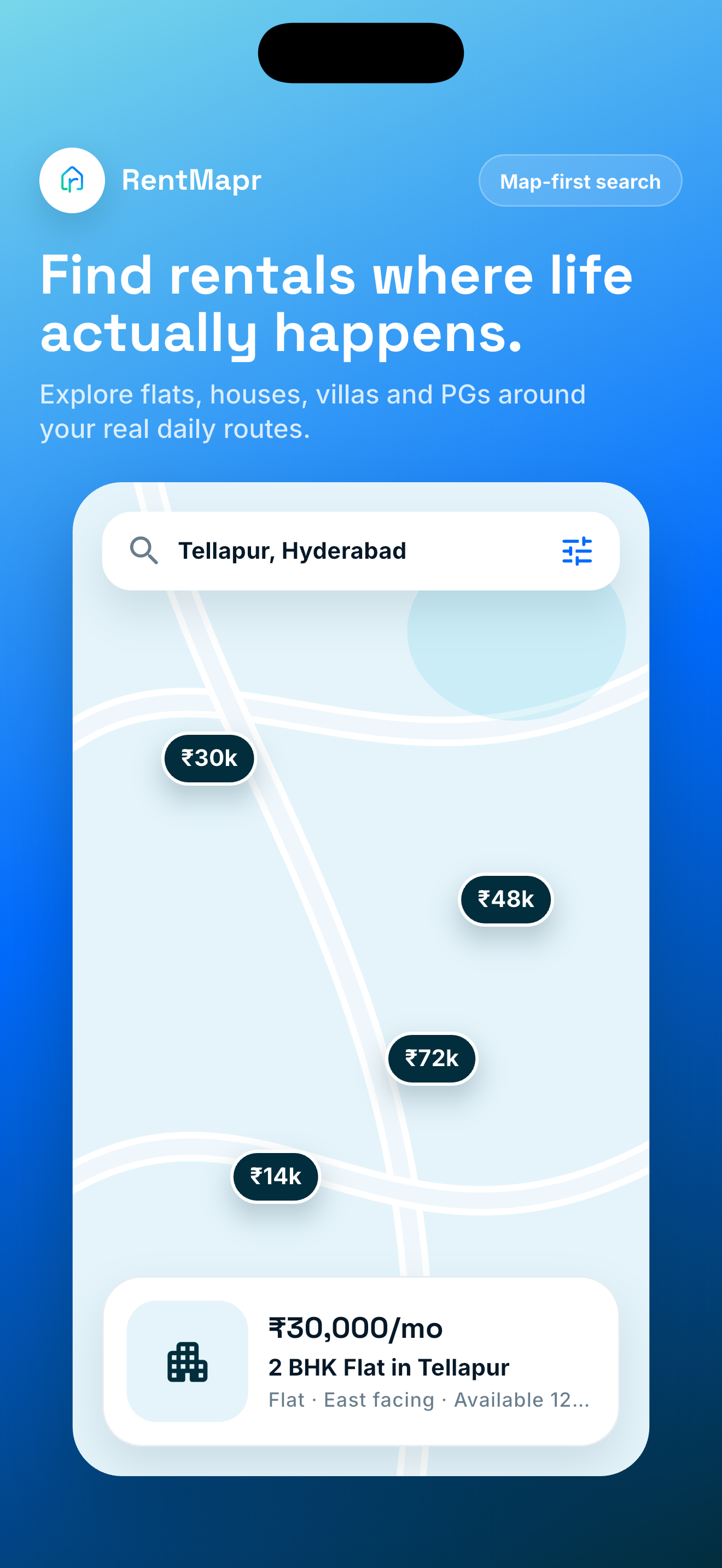
Map search with live rent pins
Start with the area first, then open rentals that match your monthly budget and daily route.
Map-first rental search
Search flats, houses, villas, PGs, and shared-flat rooms on the map. Compare rent, deposit, availability, and commute context before contacting owners.
Inside RentMapr
Search by area, compare rent and deposit, check availability, review PG or shared-flat options, and contact owners with locality context close by.
Start with the area first, then open rentals that match your monthly budget and daily route.
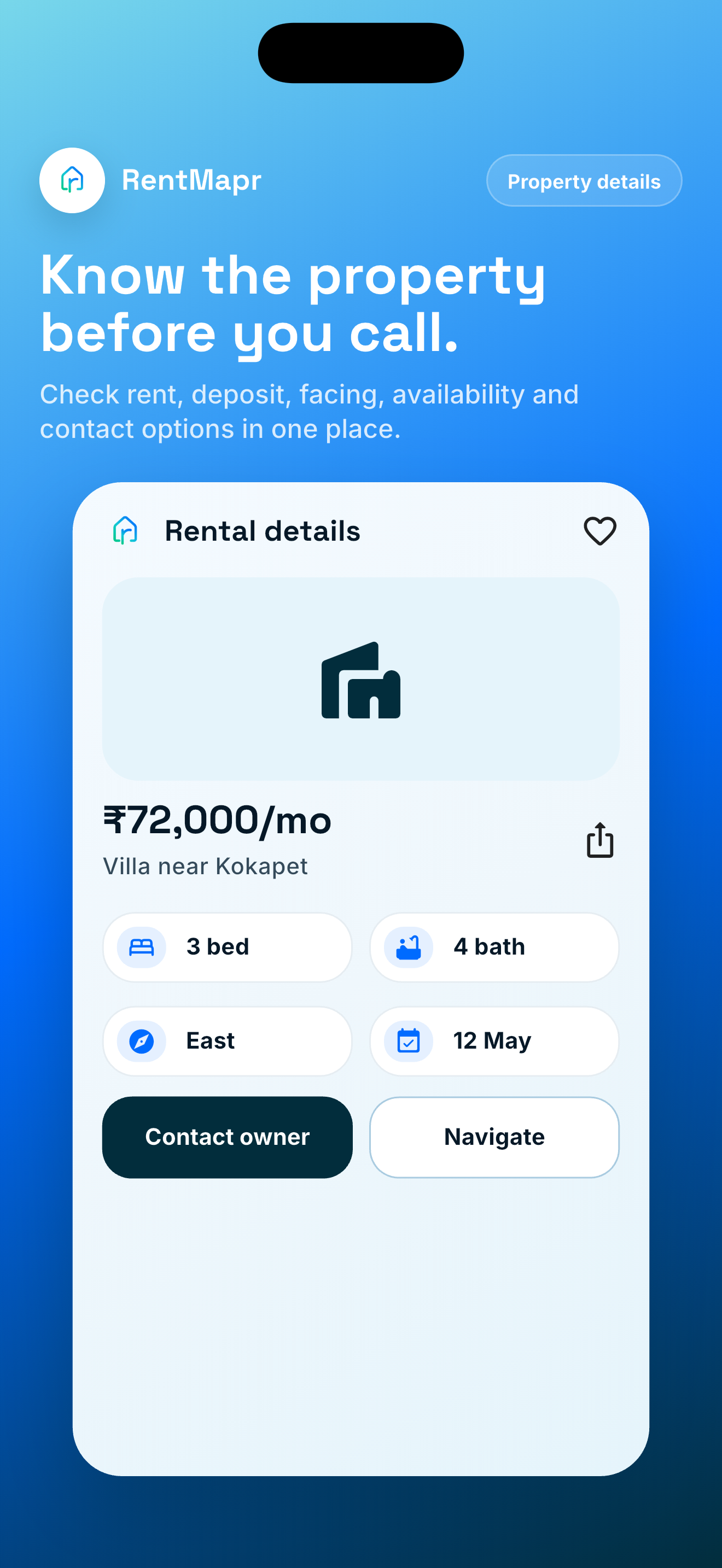
Rent, deposit context, facing, availability, owner contact, and navigation stay visible before a renter reaches out.
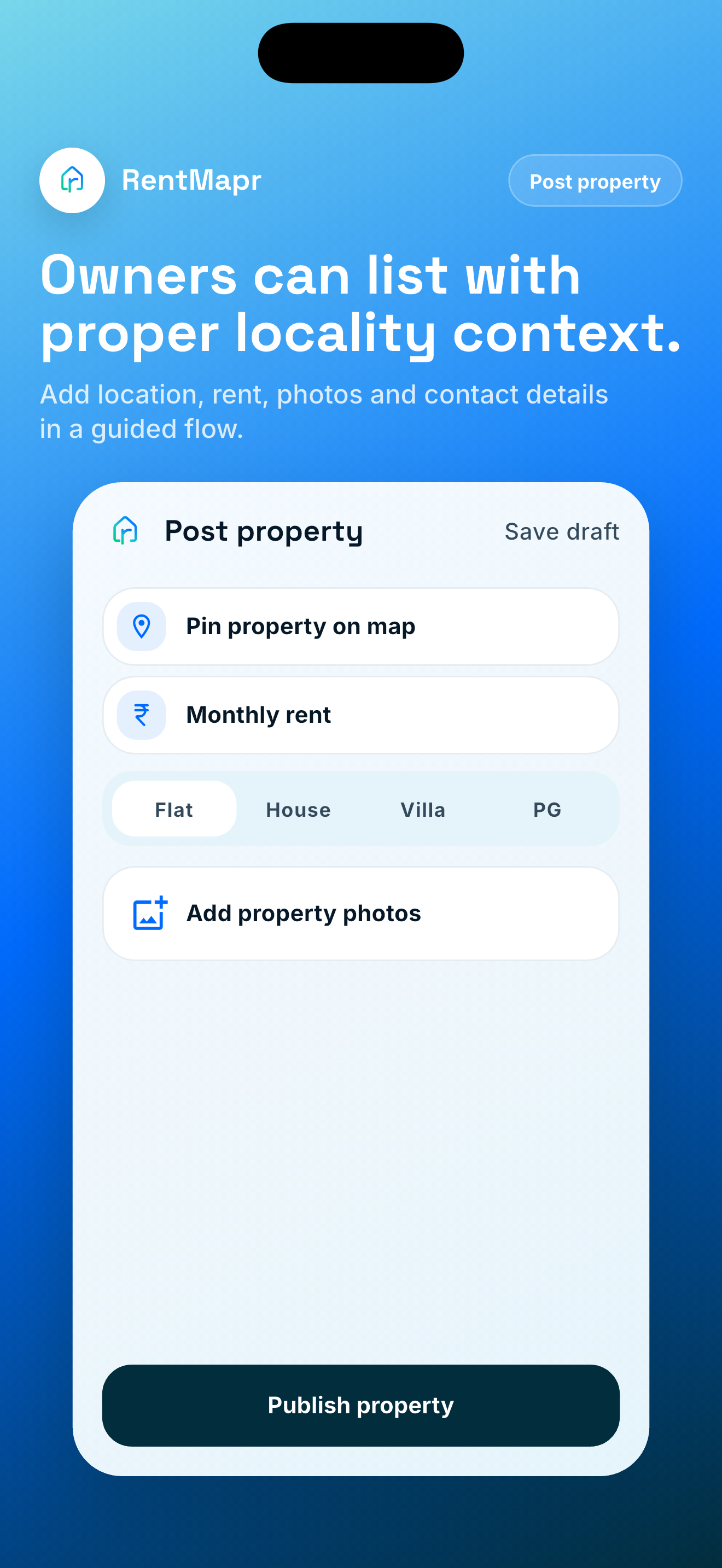
Owners can pin the rental, add monthly rent, choose property type, attach photos, and publish clearly.
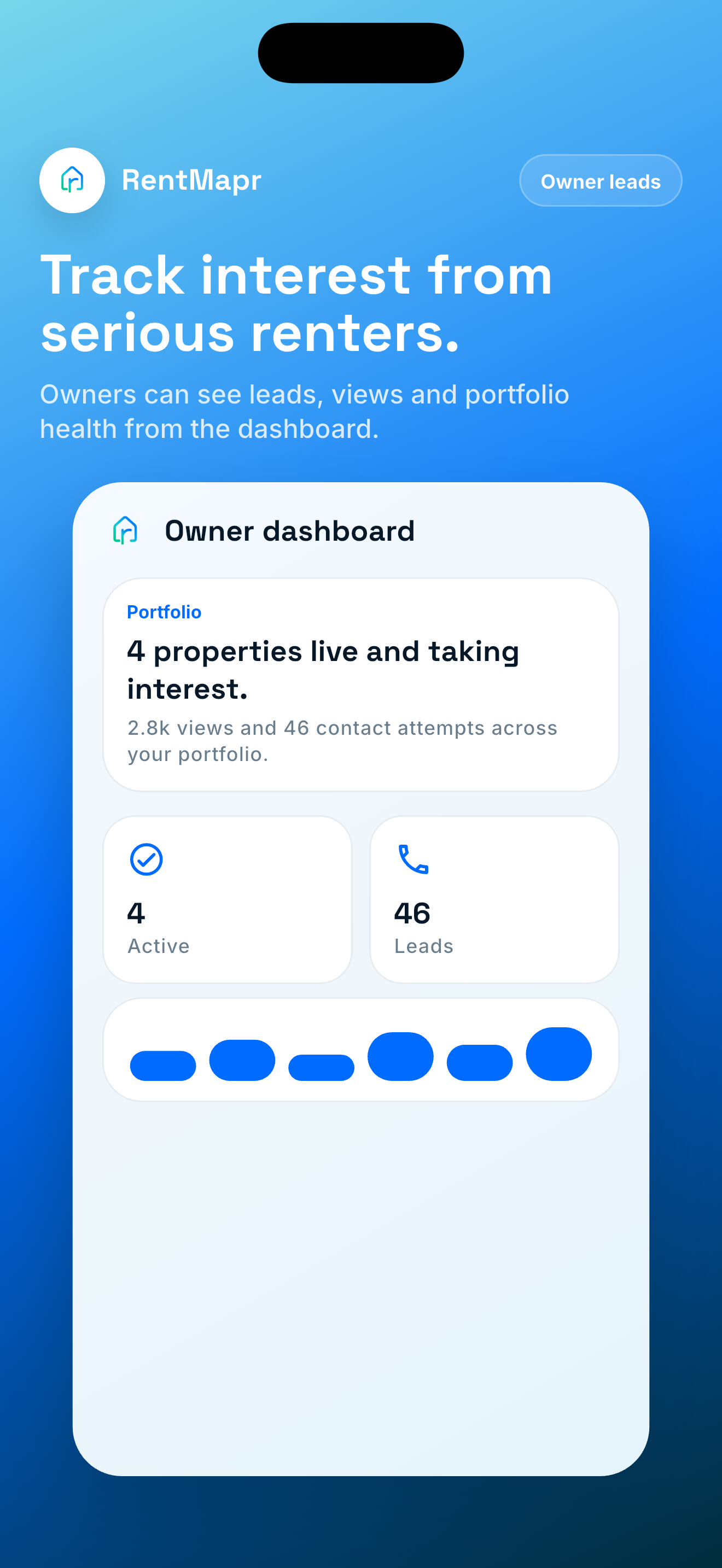
Owners can keep active listings, views, and renter leads organised in one place.
Clear details
Renters need rent, deposit, availability, and locality context. Owners need a simple way to present the property clearly.
Rental cards focus on the details renters ask for first: monthly rent, deposit, furnishing, facing, availability, property type, and commute-friendly locality context.
Owners can start with what they are renting, then add monthly rent, deposit, availability, map pin, photos, and contact number.
Why map first
A rental decision depends on commute, neighbourhood, rent, deposit, and daily convenience. RentMapr keeps that context visible.
Check rentals near work, college, family, metro access, and daily errands without losing map context.
See how similar homes vary across adjacent localities before shortlisting.
Open a rental lead from the app and contact the owner without turning search into a long broker chain.
For both sides
Keep the important details visible from search to shortlist to owner contact, so every next step feels clear.
Search by locality, explore the map, save useful options, and compare rental choices around the places that shape your daily life.
List your rental property with rent, deposit, availability, photos, and location context so renters can judge fit faster.
How it works
Start from work, college, family, metro access, or a locality and keep nearby rental choices visible.
Check rent, deposit, availability, furnishing, property type, and locality context before shortlisting.
Move from map discovery to a focused owner lead once the rental looks practical for your routine.
FAQ
Short, practical answers for renters and owners using RentMapr.
Yes, renters can search, save, and compare rental properties for free. Owners can list during the early access period.
You can discover flats, houses, villas, and PGs on the map, then compare nearby rentals by locality and route context.
Yes. Owners can add rent, deposit, photos, availability, contact details, and the map location so renters can find the property faster.
Rent decisions depend heavily on commute, neighbourhood, and nearby services. Starting from the map keeps that context visible.
No. RentMapr is a discovery and listing platform. It does not act as a broker, landlord, tenant, legal adviser, or payment intermediary.
Use the in-app settings to delete your profile and associated data. If you cannot access the app, contact support from the Delete Account page.
Next step
Stop jumping between long lists and disconnected map tabs. Compare rentals with locality context from the start.